One photoshoot, every colorway: AI color swap for fashion ecommerce
Your bestselling kurta comes in five colors. Somewhere in your production calendar, that one design has quietly become five separate photoshoots. Five samples to chase from the dyer, five steaming sessions, five sets of poses, five retouching queues. GenWear’s new color swap feature ends the ritual: generate the photoshoot once, hand over a color reference, and the other four colorways come out ready. No reshoot, no regenerating the garment.
Why every color means another photoshoot
Cameras photograph objects, not SKUs. A traditional shoot needs the physical garment in every color you plan to sell, and that is where the money goes before a single frame is taken. Industry supply-chain analyses put sample production at $80 to $300 (roughly ₹7,000 to ₹26,000) per colorway, plus $15 to $60 (₹1,300 to ₹5,000) in shipping to get each one to the studio. In India, catalogue studios bill per garment, and “per garment” means per colorway. The red version of your kurta is a separate line on the invoice.
Then the shooting itself multiplies. Listings typically want 5 or 6 angles per color. Professional studios charge $50 to $200 (₹4,300 to ₹17,000) per finished image, and one global sportswear retailer found it was paying over $115 (about ₹10,000) per image across a 100,000-item catalogue. If a dye lot photographs wrong, a reshoot runs 25 to 50% of the original session fee.
The predictable result: colorways get cut from the shot list. One apparel brand estimated that only 20% of its new-season products were photographed at all. The colors that skip the studio launch with a swatch thumbnail or never launch online, and those listings quietly underperform the hero color that got the on-model treatment.
120 shoots you never have to run (80% of the work gone). Shoot each style once, then swap in the rest of the colors from a reference.
The quiet costs: returns and late launches
Skipping variant photos has a second bill attached. Around 22% of ecommerce returns come back marked “looked different than expected”, and color is one of the main culprits: the fabric photographed under studio light on one monitor rarely survives the trip to a shopper’s phone screen unchanged. When shoppers are unsure, they hedge. 58% of US consumers admit to ordering multiple colors or sizes with the intention of returning some.
And there is the calendar. Dye runs rarely arrive together, so the drop waits for the slowest color to reach the studio, or launches incomplete. Either way, photography becomes the bottleneck for inventory that is already paid for.
How color swap works in GenWear
- Shoot once. Generate your on-model photoshoot for one colorway, the way you already do: upload the garment, pick a model, pose and scene.
- Give a color reference. A swatch, a fabric photo, or the exact shade you sell.
- Get the shoot in that color. Same model, same pose, same light. The photoshoot is ready without generating the garment variant at all. Repeat for every color in the line.
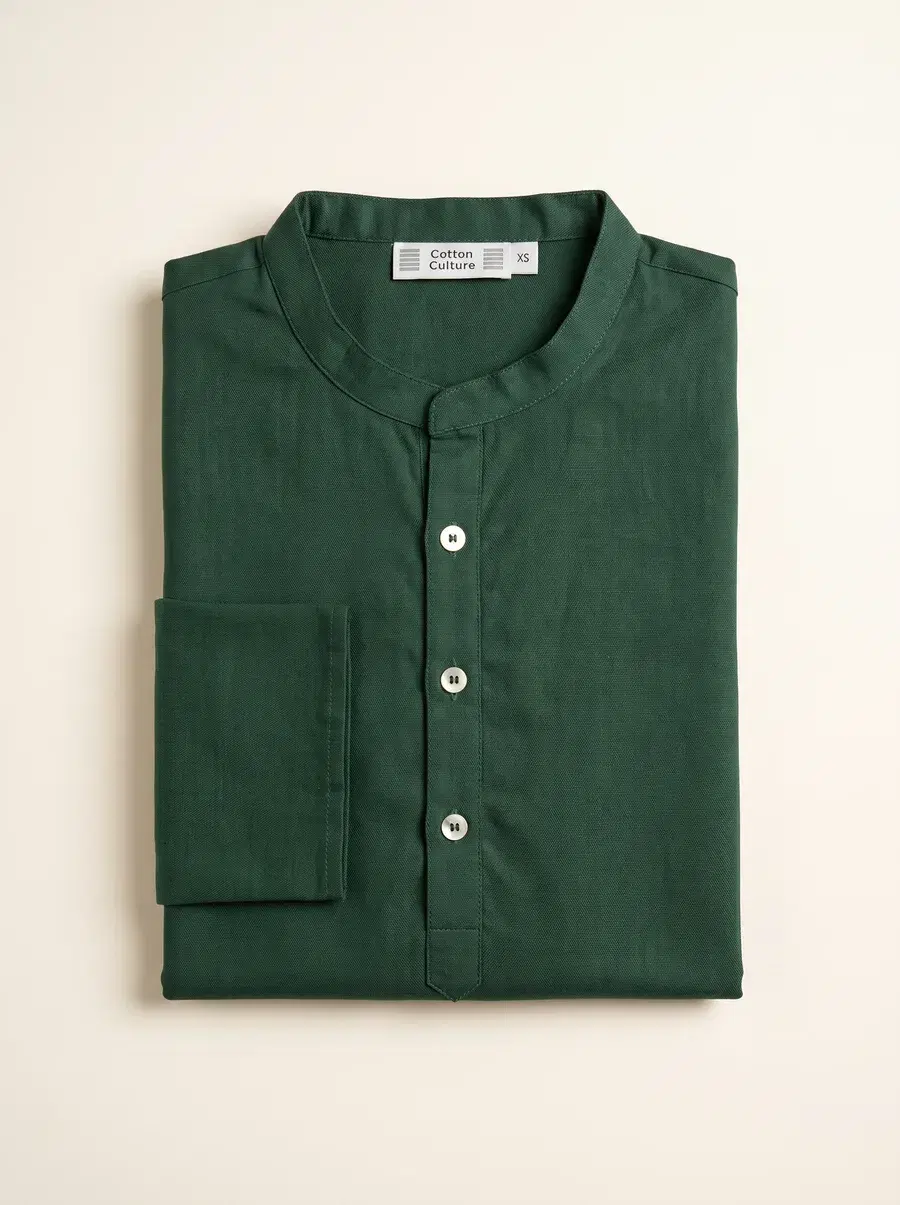
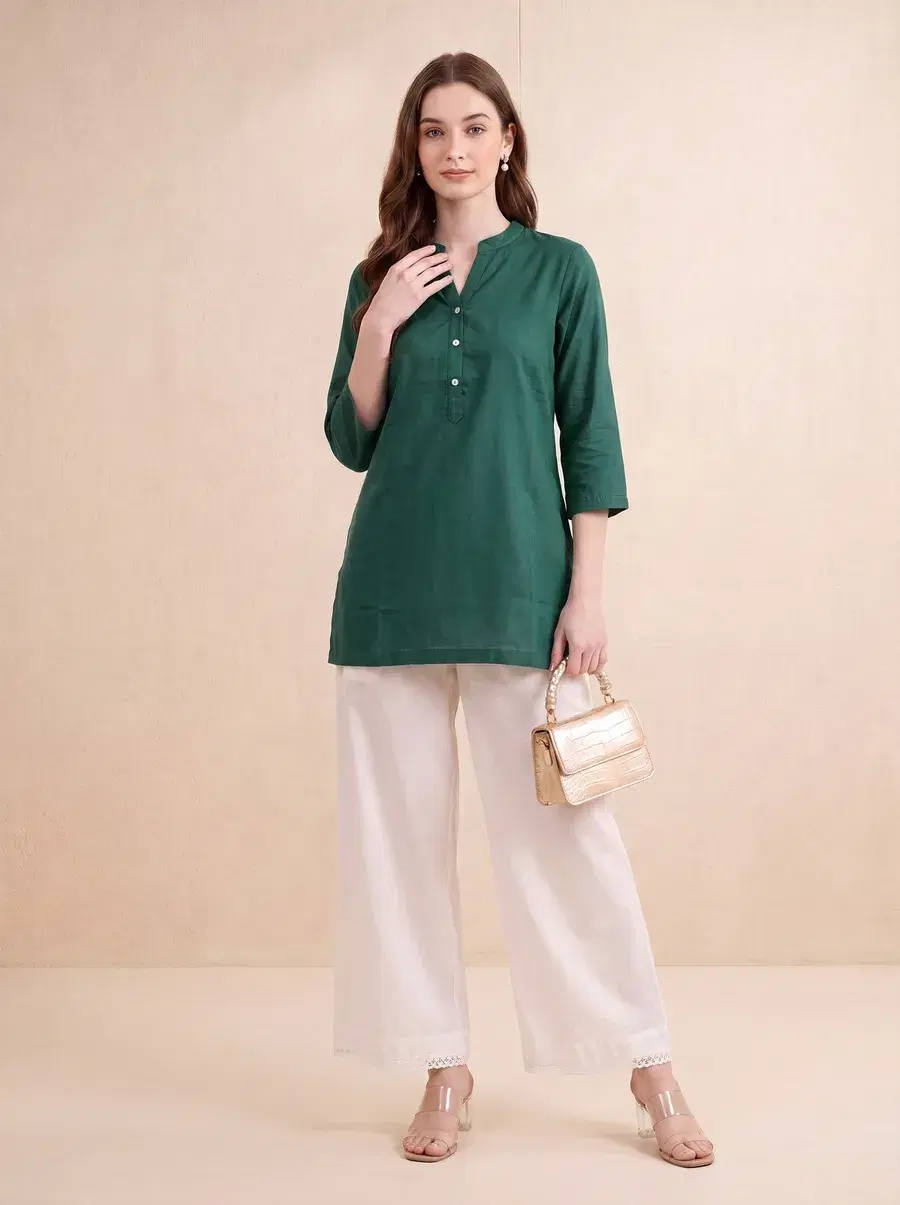
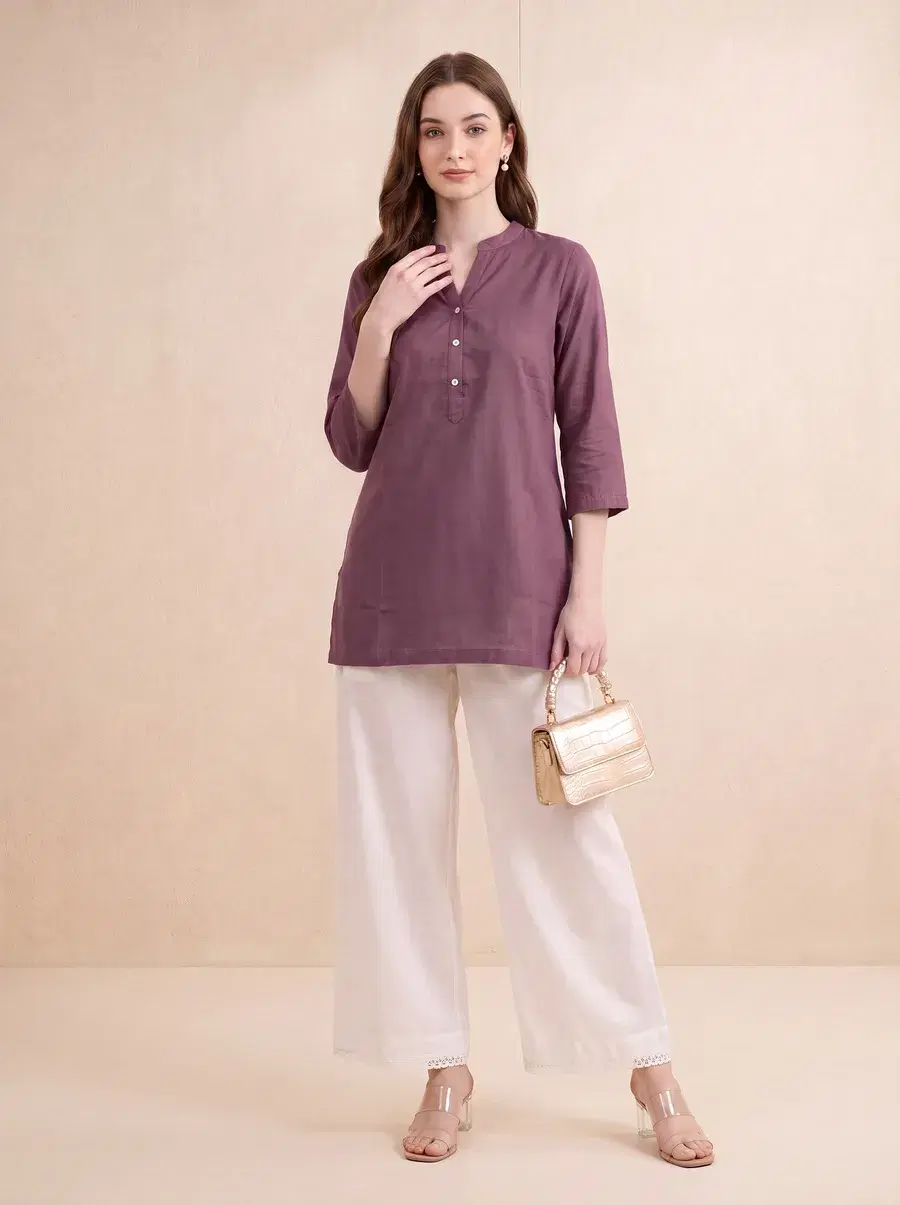
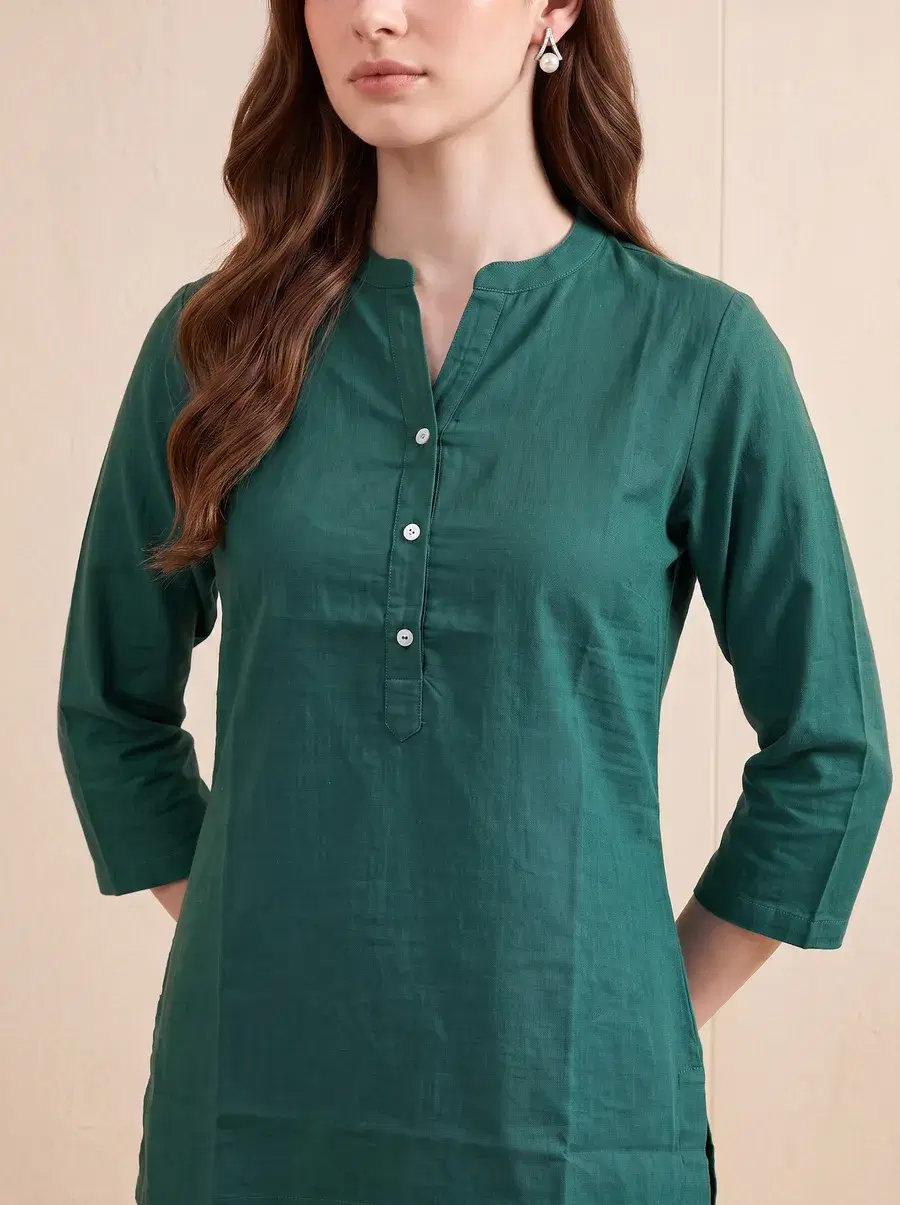
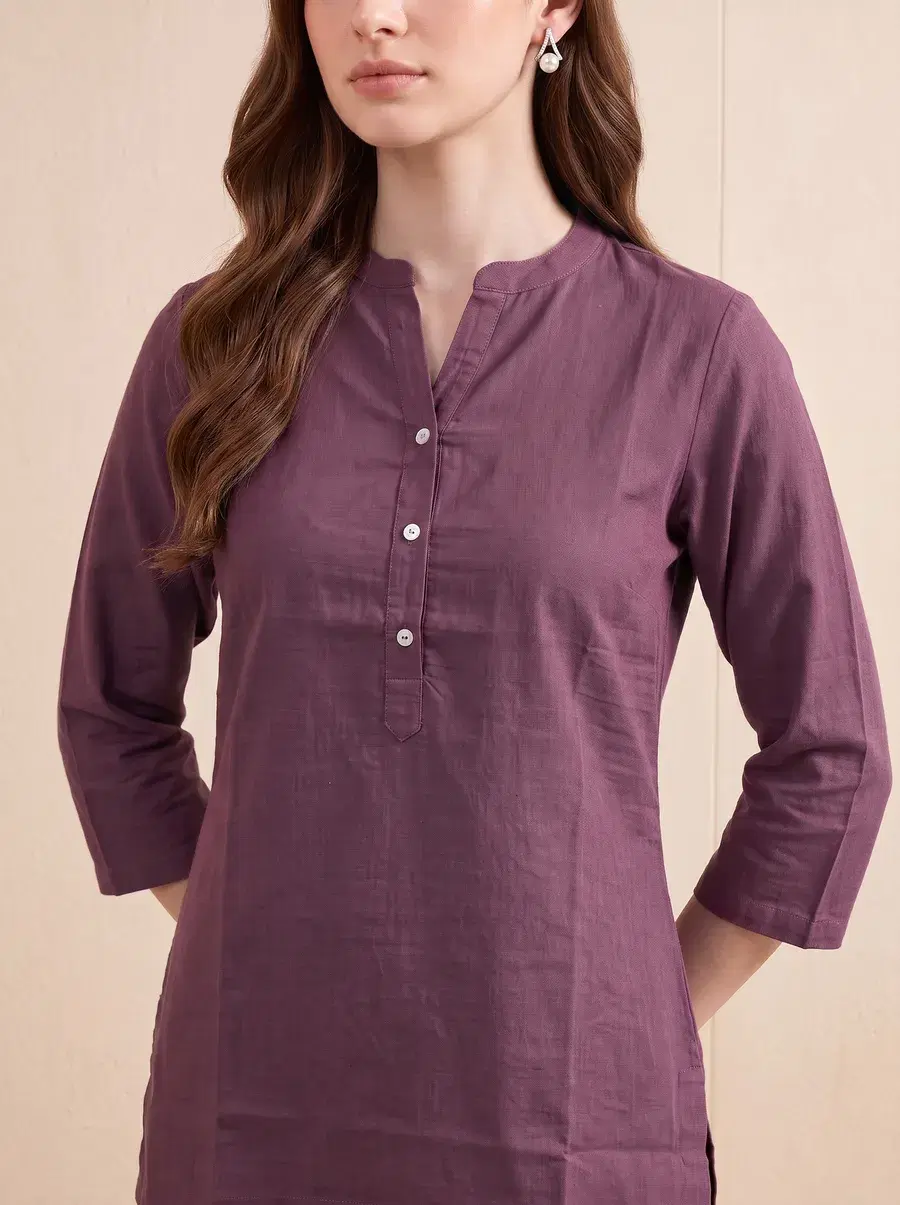
Because every variant comes from the same source shoot, your product page gets something traditional photography struggles to deliver even with a big budget: perfectly consistent framing across colorways, so shoppers can flick between colors without the model, crop or lighting jumping around.
What changes for your next drop
- Every colorway launches on day one. Photos stop waiting on the dye run, because only one sample ever needs to reach the shoot.
- Variant listings stop being second-class. The mustard and the teal get the same on-model treatment as the hero black, not a flat swatch.
- Shoppers see the color they will receive. A reference-driven swap tracks your real shade, which is your best defence against “looked different” returns.
- Testing a shade gets cheap. See a colorway on a model before you commit inventory to it.
Try it on your own garment
Color swap is live in GenWear now, alongside the same three-step flow you use for a regular AI photoshoot, on every plan. If your catalogue runs deep on colorways, this is the feature that changes your math.
Start with a free shoot. Every new account gets 120 free credits. That covers your first two on-model shoots, no card, no commitment.
Generate your first shoot freeFrequently asked questions
What is AI color swap for product photos?
Color swap takes a finished on-model photoshoot and reproduces it in a different colorway from a color reference you provide. The model, pose, lighting and garment stay the same. Only the color changes, so you get listing-ready photos of every variant from a single shoot.
Do I need a physical sample of every color?
No. You need one colorway to shoot. Every other color comes from a reference, which means you can have photos ready before the rest of the dye run even arrives from production.
Will the swapped color match my actual fabric?
The swap is driven by the color reference you supply, such as a swatch or a fabric photo, so the output tracks your real shade rather than a guess. As with any product imagery, review the result against your physical fabric before publishing.
How is this different from recoloring in Photoshop?
A manual hue shift tends to flatten fabric texture and break shadows, folds and skin reflections, which is exactly what makes recolored photos look fake. Color swap regenerates the photo with the new color, so weave, sheen and lighting stay consistent with the rest of your shoot.